Webviewer
A visual script editor that runs in your browser or embedded in FileMaker.
Beta — Work in Progress
The webviewer is under active development. Expect rough edges and breaking changes. If you run into issues, please report them on the issue queue.
What it is
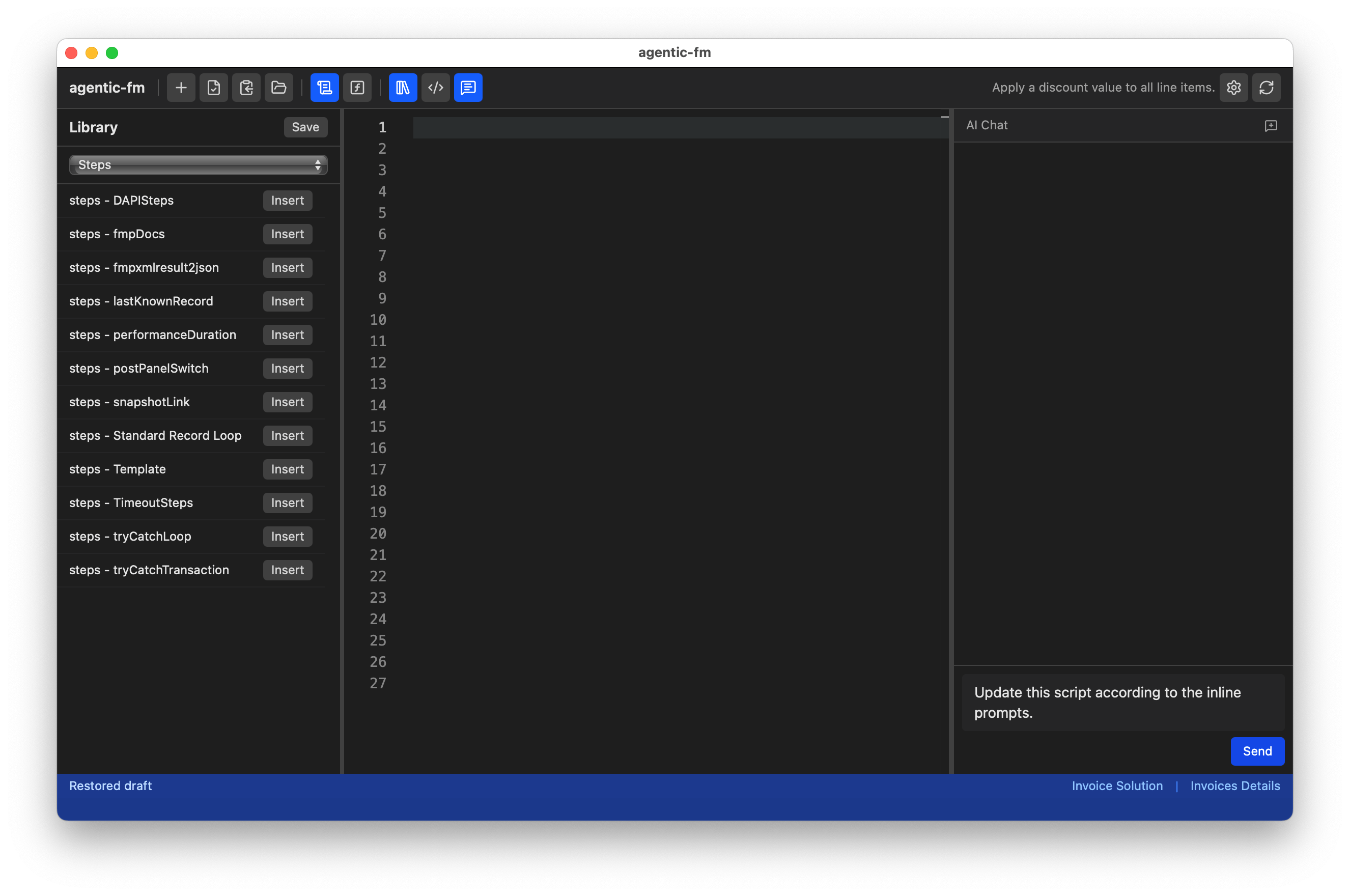
The webviewer is a three-panel script editor built with Preact, Monaco, and Vite. It provides an alternative to the CLI/IDE workflow — instead of generating fmxmlsnippet XML files, you write scripts in human-readable (HR) format and the client-side converter handles the HR-to-XML translation automatically.
Monaco Editor
Write scripts with autocomplete powered by the step catalog — all step types with parameter hints.
Inline Validation
Red and yellow squiggles appear directly in the editor for step errors and unresolved references — no separate validation step needed.
Live XML Preview
See the fmxmlsnippet output update in real time as you type or edit your HR script.
Context Age Indicator
The StatusBar shows how old CONTEXT.json is. Amber at 30 minutes, red at 60 — a reminder to re-run Push Context when working on a changed layout.
AI Chat
Integrated chat panel for generating and modifying scripts using AI, with context from your solution.
Personal Library
Browse your personal code library by category and insert snippets into the editor with one click. Highlight any steps and save them back to the library to build your own pattern collection.
Getting Started
Install Node.js 18+
Required for the Vite dev server and build tooling.
Install dependencies
cd webviewer
npm installStart the dev server
npm run devOpen in browser
Navigate to http://localhost:8080 to start writing scripts - or - even better, just add that same url into a Web Viewer on your FileMaker layout.
Embedding in FileMaker
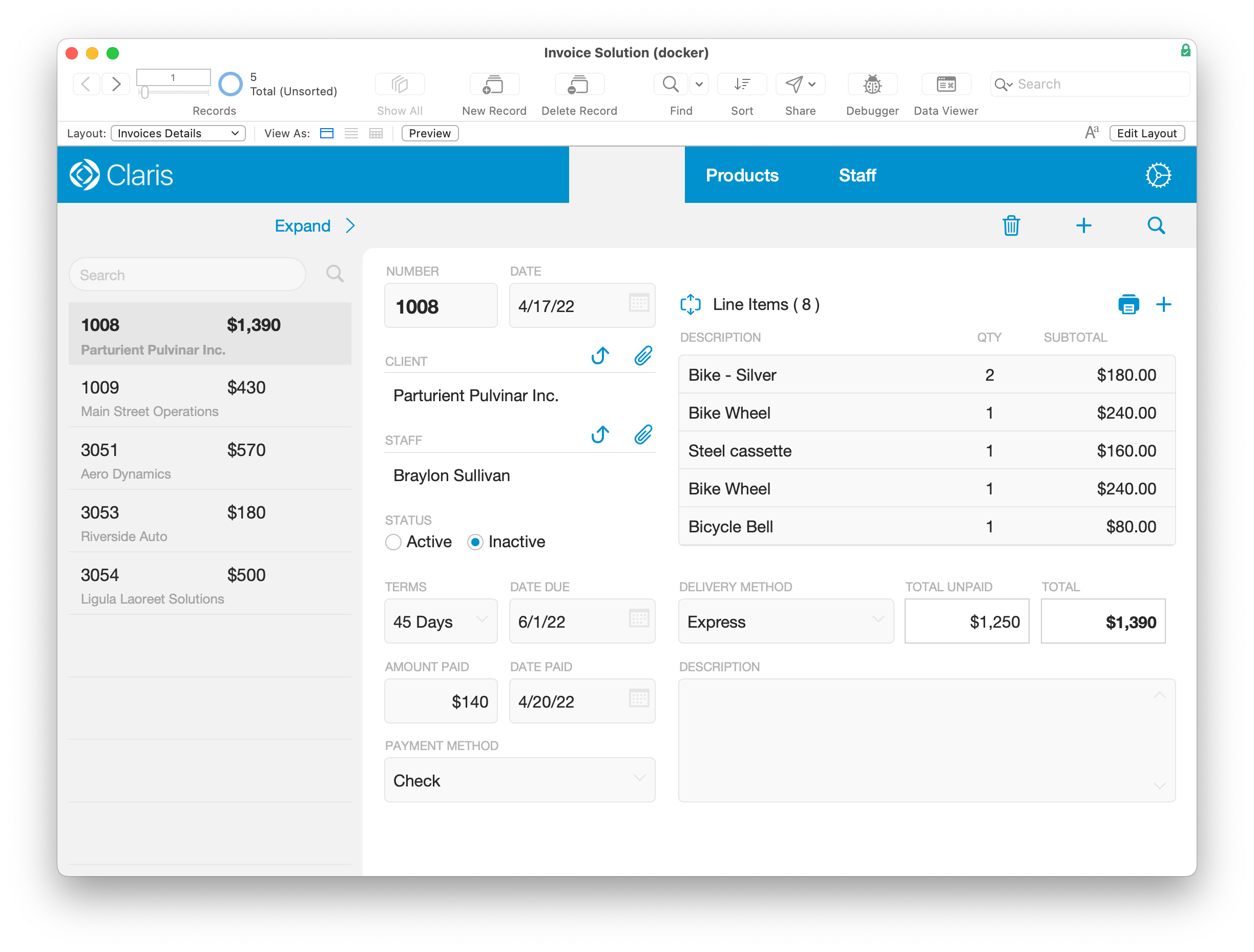
With a code editor embedded directly within a FileMaker Web Viewer object you may never need to leave the comfort of FileMaker! When embedded, a bridge API enables two-way communication:
- pushContext — FileMaker sends CONTEXT.json to agentic-fm, providing solution-specific IDs and metadata.
- loadScript — FileMaker loads an existing script into the editor for modification.
The embedded mode uses the same HR-to-XML converter and step catalog as the standalone version.
See webviewer/WEBVIEWER_INTEGRATION.md for setup instructions and the full bridge API reference.
AI Providers
The webviewer's AI chat supports multiple providers. Configure your preferred provider in the settings panel.
| Provider | How it works | API key required |
|---|---|---|
| Anthropic API | Direct API calls to Claude models | Yes |
| OpenAI API | Direct API calls to GPT models | Yes |
| Claude Code CLI | Proxies through a local Claude Code instance | No (uses CLI auth) |
Prompt Markers
Embed AI instructions directly inside your HR scripts using # prompt: comments.
When AI encounters these markers, it treats the text after the marker as a task instruction
and generates the appropriate script steps in place.
# prompt: Add error handling for the Set Field step below
Set Field [ Invoices::Status ; "Sent" ]
The marker keyword is configurable via the AI_PROMPT_MARKER setting in the webviewer's .env.local.
How It Fits
The webviewer is one of three interaction modes — alongside CLI and IDE — that all share the same
agent/ folder, CONTEXT.json, and step catalog. The key difference is output:
- CLI / IDE — AI generates fmxmlsnippet XML files in
agent/sandbox/, loaded to clipboard viaclipboard.py. - Webviewer — You write HR scripts in the editor; the client-side converter (
hr-to-xml.ts) produces fmxmlsnippet XML automatically.
Both paths produce the same fmxmlsnippet output that pastes into FileMaker. Choose the workflow that fits your style — or use both depending on the task.
Ready to bring AI into your FileMaker development?
agentic-fm is open source and free to use. Star the repo to follow development, or jump straight into the installation guide.